Introduction
This page contains instructions for the configuration of an Adelaide Bank data feed.
This feed will include:
- Daily Cash Data
- Account Holder Authority
This feed will not include:
- Adviser authority
- Loan Accounts
- History
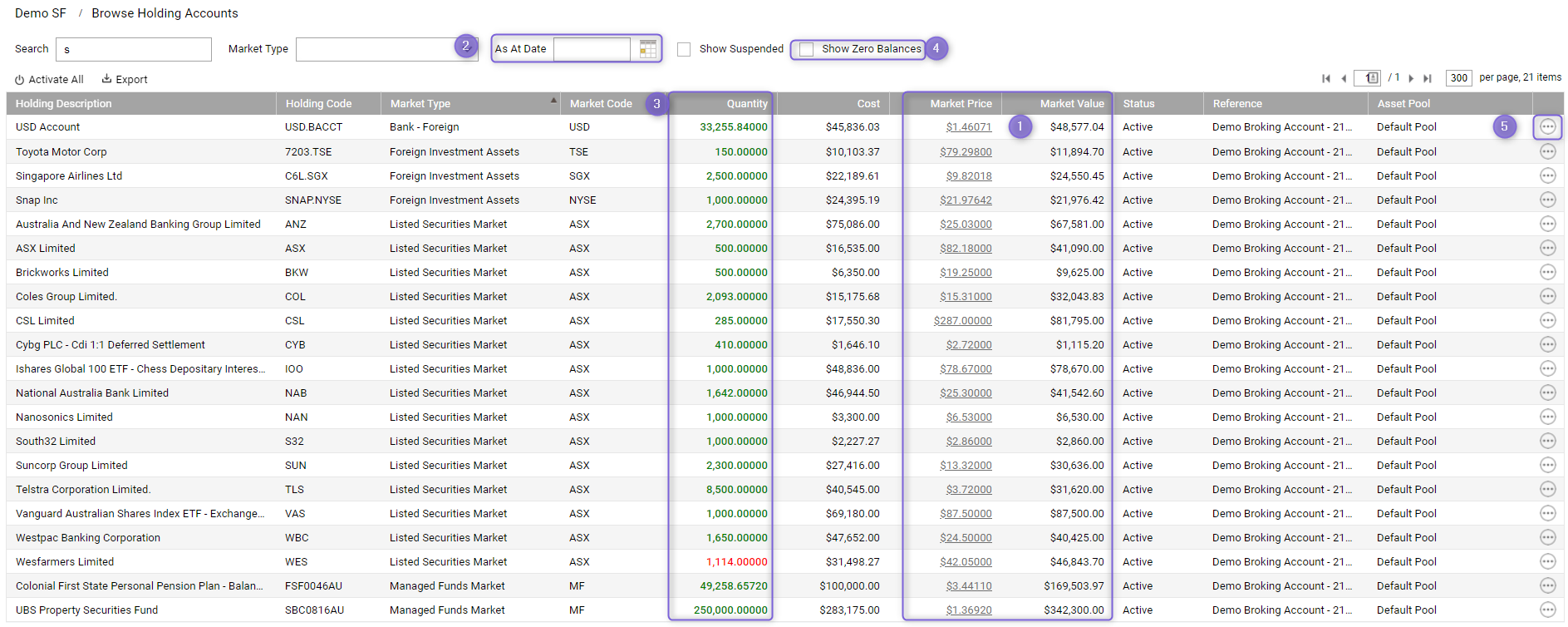
2. Enter the account information into the feeds configuration screen per below:
Authority Process
- Generate the authority form (
 Generate):
- Click on the PDF icon to generate the authority form.
- If you need to generate many authority forms, refer to Automated Data Feed Authority Forms
- Print the authority form and arrange for your client to complete and sign the form.
- Upload the signed authority form in Class, by clicking on the Upload button. The status of the feed will then change to Waiting On Provider.
- Send the signed form to Email: wdprocessing@adelaidebank.com.au
You can expect your data to start to be automatically loaded within 5-10 business days.
For help on how to upload forms, please see How to upload feed authority forms.
Activation Enquiries
If your feed has not been activated after waiting 10 business days, you should have the account holder or their adviser check with Adelaide Bank to confirm if they have received the authority form.
Phone: 1300 652 220
Web: Online enquiry
Should you require assistance in following up the status of your feed, you can log a request using the Feeds Support Request process. Please note that you can only log a request once the status of your feed is Activation Overdue.
FAQs
- Does the feed support history? This feed does NOT support history.
- Where do we send the signed authority form once received from the client? wdprocessing@adelaidebank.com.au
- Which Adelaide Bank Account types are not supported? Term Deposits and Loan accounts are not supported by this feed.
- My Feed Balance has not updated for several weeks. Has the feed stopped? Adelaide Bank does not send a daily account balance.
| Heading 1 | Heading 2 |
|---|---|
| Data 1 | Data 2 |
| Row 2 | Row 2 more |